Product Care
Caring for Your Temperature Patch
A little care keeps your Stemp patch comfortable and your readings reliable. Here's how to apply, wear, and look after it.
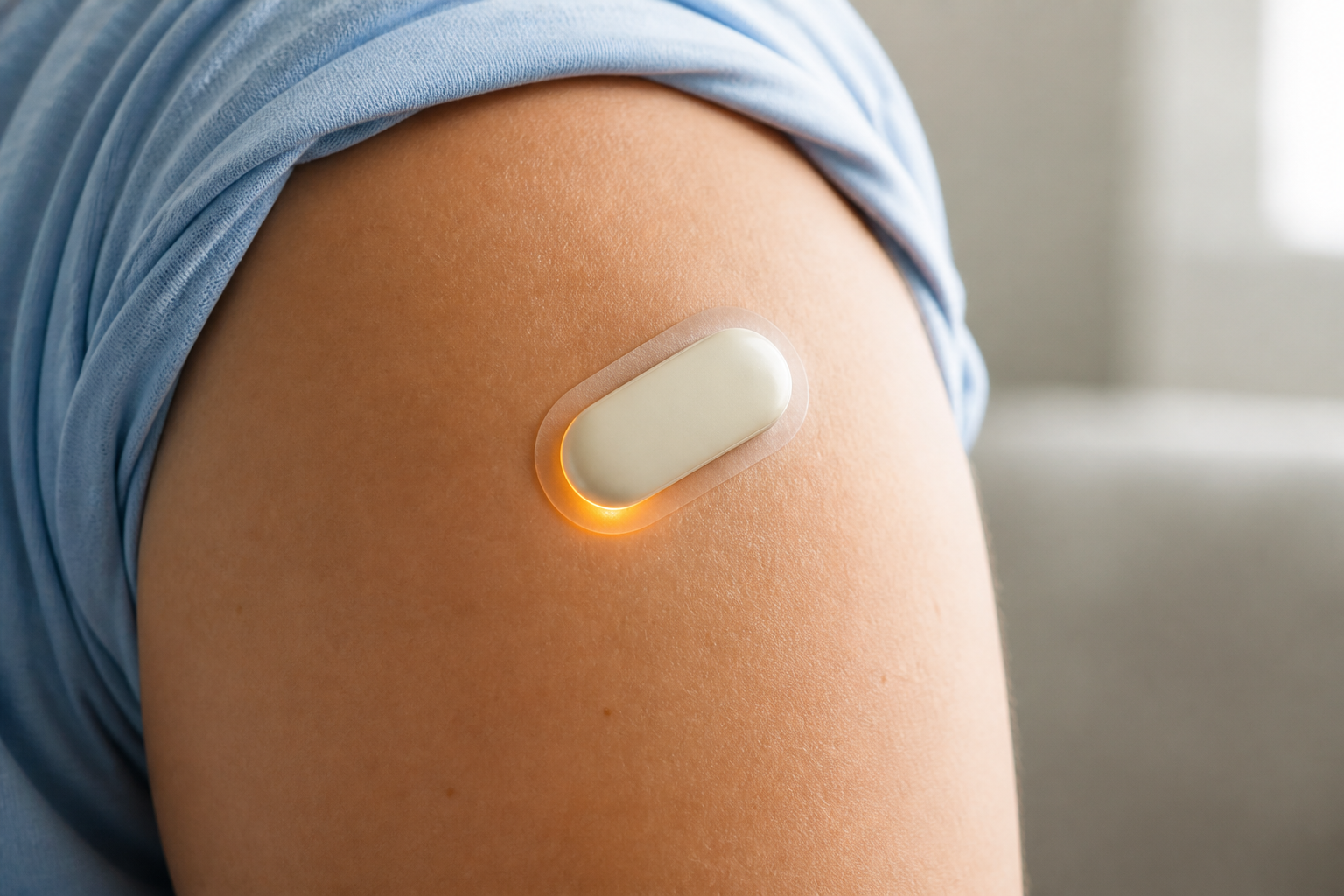


Start with clean, dry skin, since a good first application sets up steady, reliable readings from the very beginning. Follow the quick-start guide to place the patch in the recommended spot, then press gently across its surface so it sits flat and makes even contact. Take a moment to smooth down the edges a patch that's secure from the start is far less likely to lift or shift later. A careful application takes only a few extra seconds and pays off for the entire wear.
Avoid applying lotions, oils, or heavy moisturizers to the area beforehand, since they can interfere with how well the patch adheres and how comfortably it stays in place. If your skin tends to be oily, a quick clean and dry before application helps the patch grip properly. The goal is simple, direct contact between the patch and your skin, with nothing in between to loosen the bond. A little preparation here prevents most of the common adhesion problems before they start.
The patch is soft, lightweight, and made for continuous wear, so most people quickly forget it's even there. It keeps capturing temperature through sleep, showers as directed, activity, and ordinary daily routines, without getting in the way. Because it's so low-profile, you can wear it under clothing and go about your day normally. Comfortable wear isn't just a nice-to-have when the patch is comfortable, you're far more likely to keep it on consistently, which is what makes the data valuable.
If you ever notice irritation, itching, or the patch beginning to loosen, reposition or replace it following the included instructions rather than pushing through. Skipping over discomfort tends to lead to a patch that lifts and readings that suffer. Good comfort and good contact go hand in hand: a patch that feels fine is usually one that's also sitting properly and reading accurately. When in doubt, a fresh patch in a slightly different spot is the easy fix.
Reliable readings depend on consistent skin contact, so it's worth a quick check now and then to make sure the patch is still flat and secure. Keep the companion app paired and within range so data continues to sync without interruption gaps in syncing can leave holes in your history. If readings ever look off or stop updating, the first thing to check is whether the patch has shifted, lifted at an edge, or lost contact. Most accuracy issues trace back to fit, and most are solved by simply reseating or replacing the patch.
Each patch is designed for a set period of comfortable wear, and following that guidance keeps your monitoring consistent. Check the recommended wear time and replacement instructions in the materials that come with your device, and swap in a fresh patch when it's time rather than stretching one past its intended life. Replacing on schedule means your readings stay dependable and you avoid the gaps that come from a patch wearing out mid-use. Keeping a spare or two on hand makes the swap effortless when the moment arrives.
A little care between uses helps each patch perform the way it should. Store spare patches in a cool, dry place, away from direct heat and humidity, and keep them sealed until you're ready to use them. Handle patches by the edges to protect the sensing surface and adhesive from fingerprints, dust, or oils. These are small habits, but together they make sure that when you reach for a new patch, it goes on cleanly and reads reliably from the very first minute.
.svg)